Procurement & inventory
Set up your first project
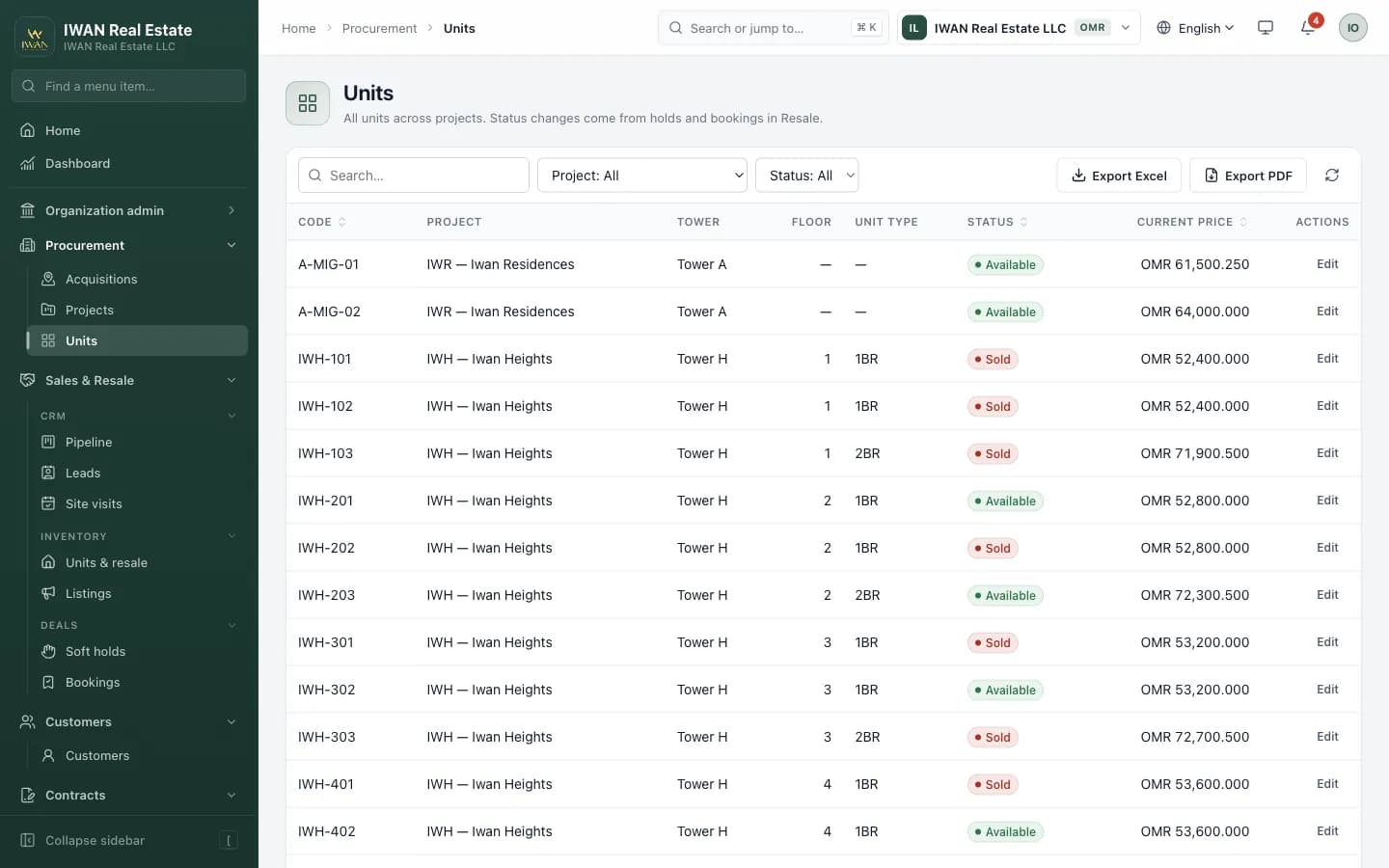
Record property and land acquisitions with an approval workflow, then build the project tree — project, phase or tower, floors and units — and price it with versioned price lists. The live inventory grid shows every unit as Available, On hold or Sold.
Steps
- Procurement → Acquisitions → New: record the land or building, its purchase price and documents, then submit for approval.
- Once approved, create the project and link it to the acquisition so the land cost flows into project margin.
- Add phases or towers and floors, then generate units in bulk from a unit type (e.g. 2BR, 118 m²).
- Create a price list (base price, floor rise, parking) and activate it — every unit gets its current price.
- Open the inventory grid to check availability before you start selling.
Only one price-list version is active per project at a time. Draft the next version in advance and activate it on launch day.
What’s in the module
- Acquisitions with role-gated approval (draft → pending → approved)
- Projects → phases/towers → floors → units, with bulk unit generation
- Unit types (bedrooms, carpet and built-up area)
- Versioned price lists: activating a new version supersedes the old one
- Live inventory grid per project and tower
- No double-selling: unit status changes are row-locked in the database